Make a short film with AI
Six practical lessons that take you from a one-line idea to a finished, scored cut, using the same models and workflow studios use. Every example is a real render with its prompt and cost.
What you'll be able to do
- 01Turn an idea into a logline, beat sheet and shot list sized for AI generation
- 02Build style frames and keep a character consistent from shot to shot
- 03Write image-to-video prompts that control camera movement and action
- 04Pick the right video model for each shot and budget the whole film in credits
- 05Add voice, music and sound effects that make the cut feel finished
- 06Assemble, pace and export the film for YouTube, TikTok and Reels
The lessons
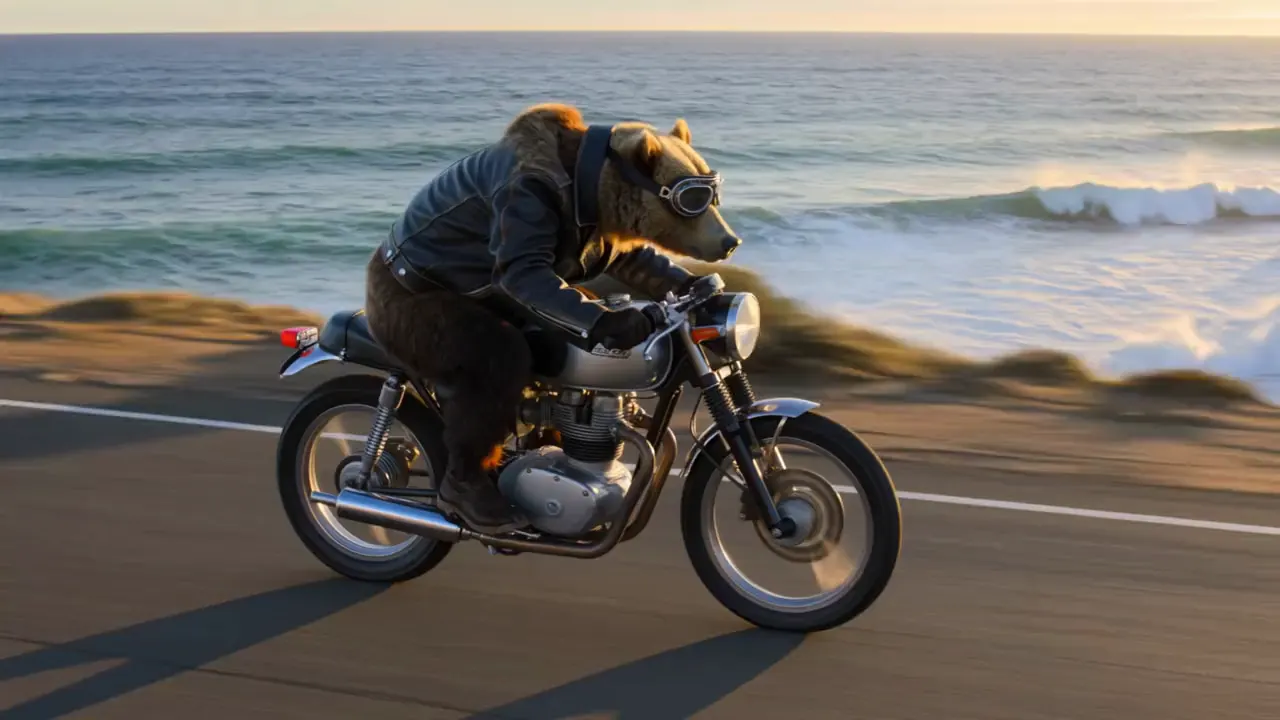
Lesson 1 · 9 min
How to make a short film with AI: plan it shot by shot
Lesson 1 of the free course. Before you render a single clip, turn your idea into a logline, a beat sheet and a shot list designed around what AI video does well, then storyboard it with cheap stills and price the whole film.
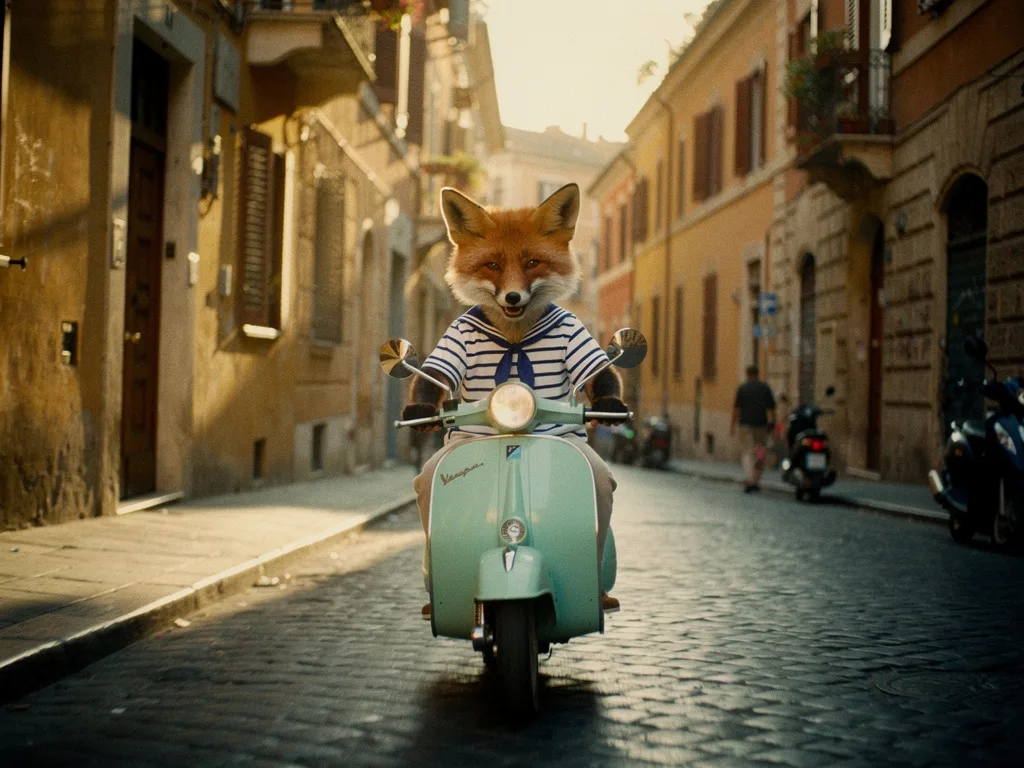
Lesson 2 · 10 min
Consistent characters in AI video: lock the look before you animate
Lesson 2 of the free course. Why AI characters change from shot to shot, and the workflow that stops it: a style bible, a character sheet, reference images, and animating only frames you have already approved.

Lesson 3 · 9 min
Image to video prompts: direct the motion, not the picture
Lesson 3 of the free course. Your start frame already decides the shot. Here is how to write the motion prompt: one camera move, one action, an end state, and the vocabulary to direct it.
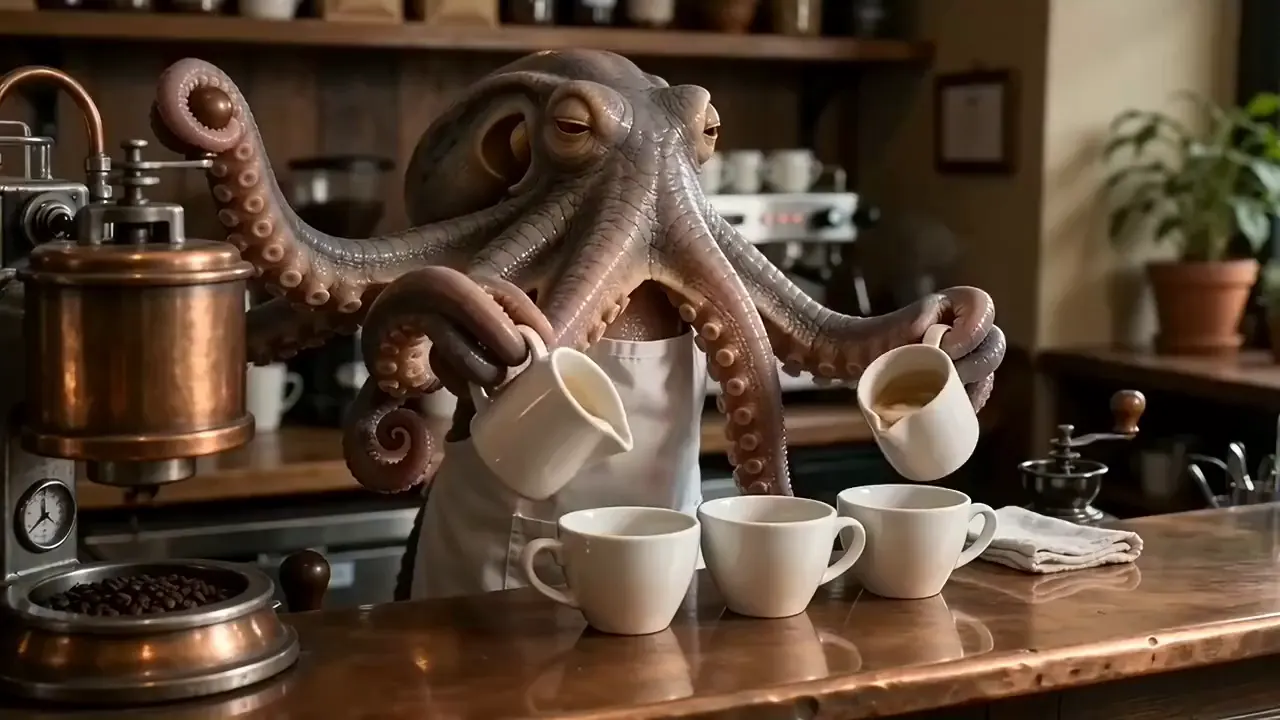
Lesson 4 · 11 min
The best AI video generator for filmmaking: choose a model per shot
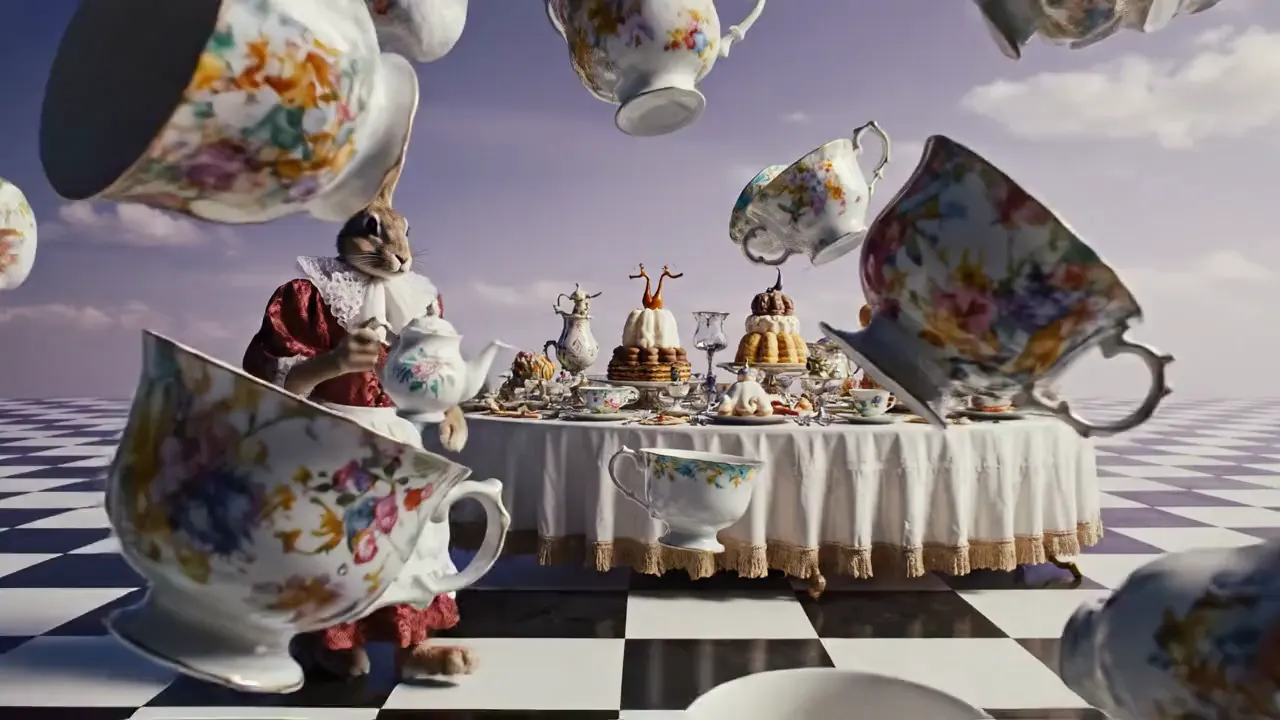
We gave five video models the same start frame and the same motion prompt, then checked fifteen real clips frame by frame for what each model got right, what it got wrong and what it cost. The answer to "which model is best" turned out to be "for which shot, and at what budget?"
Lesson 5 · 8 min
AI sound design: how to add voice, music and effects to AI video
A silent clip looks like a demo; the same clip with room tone, a voice and a music bed looks like a film. Here is how to build each layer of an AI soundtrack and mix them so the cut feels finished.
Lesson 6 · 9 min
How to edit AI video into a finished short film
Generated clips are raw footage, not shots. This lesson covers the edit that turns them into a film: what to trim, how to pace and match the cut, and how to export and label it for YouTube, TikTok and Reels.
Follow along in PromptLab
Every lesson has prompts you can copy. New accounts get 1,000 free credits, enough to render a storyboard and a couple of test clips.