
AI video ads: how to make vertical ads and UGC-style content that stop the scroll
A practical playbook for short vertical ads made with AI video models: what a hook needs in the first second, how to generate ten variants on an inexpensive model, how to test them, and where the legal lines are for UGC-style ads.
Updated · 9 min read · By the PromptLab team
The short version
- The first second decides the ad: open on motion that is already happening, keep one idea per clip, and design for sound off.
- Hooks are cheap to test. Our four 9:16 clips cost 57 credits each on PixVerse V6, so one premium Seedance clip costs as much as 5 hook variants.
- Run a loop: generate ten hooks from one template, ship them with an identical body, read hook and hold rates, then iterate on the winner.
- AI UGC is fine as a format, not as a fake customer. The FTC's rule on reviews and testimonials bans testimonials from people who don't exist, including AI-generated ones.
- Keep the product real: animate an actual packshot, add on-screen text in the edit, and label AI content where platforms require it.
In this guide
What makes a vertical video ad stop the scroll
In a vertical feed, your ad competes with the next swipe, and the decision happens in the first moment. Whatever the platform, the ads that hold attention tend to share four traits:
- Motion from frame one. No logo sting, no slow fade in. The first frame should already be mid-action.
- One idea per clip. One subject, one action, one feeling. A five-second clip with two ideas delivers neither.
- Readable with the sound off. Many people scroll muted. The picture and the on-screen text must carry the message on their own.
- Native to the feed. Shot (or generated) for 9:16, with the subject in the center, looking like content rather than a cropped TV spot.
A dachshund in a yellow raincoat splashing through puddles on a rainy city street, slow motion, cinematic, vertical video
This clip does all four. From the very first frame the dog is already running at the camera through a puddle, with water arcing around it in slow motion. The yellow raincoat is the only saturated color in a grey street, so the eye finds it even at thumbnail size. Five seconds, one action, no cut. It cost 57 credits.
How to write a hook prompt for AI video
A hook prompt is short on purpose. Every word should describe something visible in the first second.
A dachshund in a yellow raincoat splashing through puddles on a rainy city street, slow motion, cinematic, vertical video
- Subject what the picture is of
- Detail materials, wardrobe, texture
- Action what is happening
- Setting where, and what surrounds it
- Motion what moves, how the camera moves
- Style medium, genre, reference
- Use deliverable or channel
- Subject plus one bold visual tag. A familiar subject with one detail that pops: a color, a costume, an odd scale. The tag is what makes it recognizable at a glance.
- An action already in progress. "Splashing", not "starts to run". Verbs in the -ing form tend to give you motion from the first frame.
- Setting in a few words. Enough to explain the light and the backdrop, no more.
- Motion and format. Slow motion stretches the satisfying part. "Vertical video" helps composition, but also set the aspect ratio to 9:16 so the model composes for the frame rather than you cropping later.
Most short-form hooks fall into a handful of patterns. Our four test clips cover the first four:
| Hook pattern | Our example | Prompt move |
|---|---|---|
| Familiar subject, odd detail | Dachshund in a raincoat | Everyday subject plus one surprising costume or prop |
| Satisfying process | Honey pour | Macro, slow, glossy, one continuous motion |
| Character doing a careful task | Robot watering a bonsai | Small, friendly character, gentle action, warm light |
| Mesmerizing loop | Neon jellyfish | Slow drift, dark background, glow |
| Product reveal | Rotating sunglasses (below) | Real product, slow rotation or light sweep |
[subject] in [one bold visual tag] [action already in progress] [setting in a few words], [slow motion / gentle camera drift / handheld], [style], vertical video
Generate hook variants at volume on cheap models
You can't predict which hook will win, so the economics that matter are cost per variant and time per variant. All four of these clips were generated from text on PixVerse V6, at 9:16, five seconds each, for 57 credits apiece.
Watch each one through before you judge it. The dachshund and honey clips hold together for all five seconds. The jellyfish clip starts as a field of drifting jellies and ends on a close-up as the camera pushes in, which gives it a natural payoff. The robot clip has a continuity slip: halfway through, the watering can moves from one hand to the other and the arms rearrange. In a feed, few people would notice. In a product ad, a similar glitch on your product would be a problem.
Here is how that compares with the premium clips in our gallery:
| Render | Model | Credits | Plan value | Per second |
|---|---|---|---|---|
| A dachshund in a yellow raincoat… | PixVerse V6 · 5 s | 57 | $0.57 | 11 cr |
| Macro shot of golden honey pouring… | PixVerse V6 · 5 s | 57 | $0.57 | 11 cr |
| A small friendly robot carefully… | PixVerse V6 · 5 s | 57 | $0.57 | 11 cr |
| Neon jellyfish drifting upward… | PixVerse V6 · 5 s | 57 | $0.57 | 11 cr |
| Slow dolly-in on the perfume bottle… | Kling 2.5 Turbo · 5 s | 88 | $0.88 | 18 cr |
| The dog twirls the spaghetti on the… | Kling 3.0 · 5 s | 105 | $1.05 | 21 cr |
| Slow push-in on a surreal Alice in… | Veo 3.1 Fast · 6 s | 150 | $1.50 | 25 cr |
| An octopus barista behind a copper… | Seedance 2.0 Fast · 5 s | 305 | $3.05 | 61 cr |
One 305-credit Seedance 2.0 Fast clip costs as much as 5 of these 57-credit hooks, and a batch of ten hooks costs 570 credits ($5.70). That is the core strategy: test ideas on inexpensive models, then spend premium credits on the winning idea when you need better physics, longer shots, lip sync or native audio (Veo 3.1, for example, generates sound with the picture). Rankings move fast: at the time of writing, independent arenas rank several newer video models above the ones used here, so check the model catalog for what is live, and see our lesson on choosing a video model for how to compare them.
The testing loop: ten hooks, ship, read, iterate
Generating variants is only useful if you learn from them. The loop below keeps every round a fair test.
Write one template with variables
Turn your best hook prompt into a template, with the parts you want to test as variables. Keep everything else fixed.
Generate ten variants
Fill the variables ten ways and render them all on the same model, aspect ratio and length. Discard any with visible glitches.
Give every hook the same body
The AI clip is the opening seconds. Follow it with the same product shot, message and offer in every version, so the hook is the only difference.
Ship them as separate ads
Same audience, same budget, same placement. Let them run long enough to get a fair read.
Read hook rate, then hold rate
Hook rate: the share of impressions that watch past the opening seconds. Hold rate: of those, how many keep watching. Then check clicks and cost per result. A hook that stops thumbs but loses viewers right after is mismatched with the body.
Keep the winner, change one variable
If the dachshund beat the robot, the next round tests dogs in different outfits or weather, not ten new animals.
A [animal or character] in [bold-colored outfit or prop] [satisfying action already in progress] [weather or setting], slow motion, cinematic, vertical video
PromptLab's Consistency runs are built for this step: you write a template with variables, a drafter proposes values, and the whole matrix (up to 10 variants) renders in one run with pass/fail scoring, so glitchy variants are filtered before they reach an ad account.
Design for sound off: captions, safe zones and 9:16
A clip is not an ad yet. The finishing steps are where most of the clarity comes from.
- Generate at 9:16. Cropping a 16:9 clip to vertical loses most of the frame and often the subject. Set the aspect ratio in the model settings, not just in the prompt.
- Respect the safe zones. On TikTok, Reels and Shorts, the caption, username and action buttons cover the bottom of the frame and the right edge. Keep faces, products and text in the central area, and check each platform's current safe-zone template before export.
- Add on-screen text in the edit. Video models still misspell, and ad copy, prices and legal lines must be exact. Generate the picture, then set the type in your editor.
- Caption every spoken word. Burned-in captions make voiceover readable with the sound off.
- Make frame one a thumbnail. Pause the clip on its first frame. If that still doesn't say what the ad is about, change the hook.
- Add sound anyway. The clips on this page play without sound. For viewers with the sound on, add music, effects or a voiceover. PromptLab Flows has Text to Speech and Music nodes for a voiceover and a music bed from a brief.
How to make AI UGC ads without fake testimonials
"UGC-style" describes a look: a person talking to a phone camera, handheld, natural light, casual delivery. AI can produce that look, and as a format it is fine. The line is crossed when the ad presents a synthetic person as a real customer with a real experience.
In the US, the FTC's rule on consumer reviews and testimonials took effect in October 2024. It prohibits creating or disseminating testimonials that misrepresent that they come from a person who doesn't exist, or from someone without actual experience of the product, and the FTC's announcement names AI-generated fake reviews as an example. The FTC can seek civil penalties against knowing violators. Its Endorsement Guides separately require disclosing material connections, such as paying a creator. Other countries have their own consumer-protection rules; this is not legal advice.
Fair game
- An AI presenter framed as a brand character or host, not a customer
- Real customer quotes, used with permission, shown as text over product footage
- Paid creators who actually used the product, with the partnership disclosed
- Demos, how-tos and unboxing-style shots of the real product
- A voiceover of your own script in a synthetic or recorded voice
Over the line
- A synthetic customer describing results they never had
- Invented review quotes, star ratings or before-and-after results
- A real person's face or voice cloned without written consent
- Celebrity lookalikes or soundalikes that imply an endorsement
- Health, money or performance claims you can't substantiate
Platforms add their own layer. TikTok asks creators to label realistic AI-generated content and applies an AI label automatically to uploads carrying C2PA Content Credentials. YouTube requires creators to disclose realistic altered or synthetic content. Meta shows an AI disclosure on ads made or significantly edited with its generative tools, and detects some third-party AI content from C2PA metadata. Ad rules tightened during 2026 and differ by region, so read each platform's current ad policy before launch.
If you want a talking presenter, build an obvious brand character and own it. PromptLab Flows has a Lipsync node to drive a face with an audio track, and a "Talking-head onboarding" starter template that shows the pattern.
Keep the product accurate
Text-to-video draws a product that looks like yours. For an ad, it has to be yours. The reliable route is image-to-video: start from a real packshot (or an approved still of your real product), and write a motion prompt that describes only what moves.

Tortoiseshell aviator sunglasses floating above rippled desert sand at dusk, the lenses reflecting a pink and orange sky, long shadow, luxury eyewear campaign, hyper-detailed
The sunglasses rotate slowly in mid-air, fine sand drifting below them, the sky colours shifting from pink to orange, product commercial
This product clip also ran on PixVerse V6 for 57 credits, animated from the start frame shown with it. It is a good reminder to review every frame: as the sunglasses turn, the shape of the bridge and the temple arms shifts from one moment to the next. That is acceptable for a mood clip and not for a product ad. Fast rotations and complex physics are where products deform; slow moves and simple light changes are safer. Re-roll, try a stronger model, or cut around the frames that drift.
The same honesty rules as product photography apply: the ad can only show features and results the product really has. Our AI product photography guide covers reference images, and the image-to-video lesson covers motion prompts shot by shot.
Production checklist for AI video ads
- Pick one idea and one hook pattern per ad. Check what is trending in your niche first.
- Write a hook template with variables; generate ten variants at 9:16 on an inexpensive model.
- Watch every variant to the end. Discard glitches, warped products and invented text or logos.
- Animate your real product from a packshot; never let text-to-video invent it.
- Add on-screen text, captions, sound and the offer in the edit, inside the safe zones.
- No synthetic customers, invented reviews or cloned real people. Disclose paid partnerships.
- Turn on AI labels where platforms require them for realistic content.
- Ship variants with an identical body and budget; read hook rate, hold rate and cost per result.
- Keep the winner, change one variable, repeat. Remake the winning idea on a premium model if it earns it.
Two PromptLab features help at the edges of this loop. Trends pulls TikTok and Instagram posts for the hashtags you choose, which is a quick way to see which formats are working before you write hooks. Social publishing posts finished clips to your connected accounts. Neither replaces the testing; they shorten the trip between idea and result.
Questions people ask
How do I make AI UGC ads?+
Write a short script, generate a presenter or product footage with an AI video model, add voiceover and captions, and cut to 9:16. Present any AI person as a brand character, never as a real customer, and label AI content where platforms require it.
Are AI UGC ads legal?+
The format is legal; fake testimonials are not. Since October 2024, the US FTC rule on reviews and testimonials prohibits testimonials attributed to people who don't exist or who never used the product, including AI-generated ones, and platforms have their own AI disclosure rules.
What is the best AI video generator for ads?+
Use inexpensive models to test hooks at volume and a premium model for the final spot that needs the best physics, lip sync or audio. Rankings change monthly, so compare current models on your own product shot before committing budget.
How many ad variants should I test at once?+
Enough to learn something each round. Ten hook variants from one template, changing one variable at a time with an identical body and offer, is a practical batch.
Do I have to label AI-generated ads on TikTok, Instagram or YouTube?+
Usually, when the content is realistic. TikTok, YouTube and Meta all label or require disclosure of realistic AI-generated content, and TikTok and Meta can apply labels automatically from C2PA metadata. Check each platform's current ad policy before launch.
Keep learning
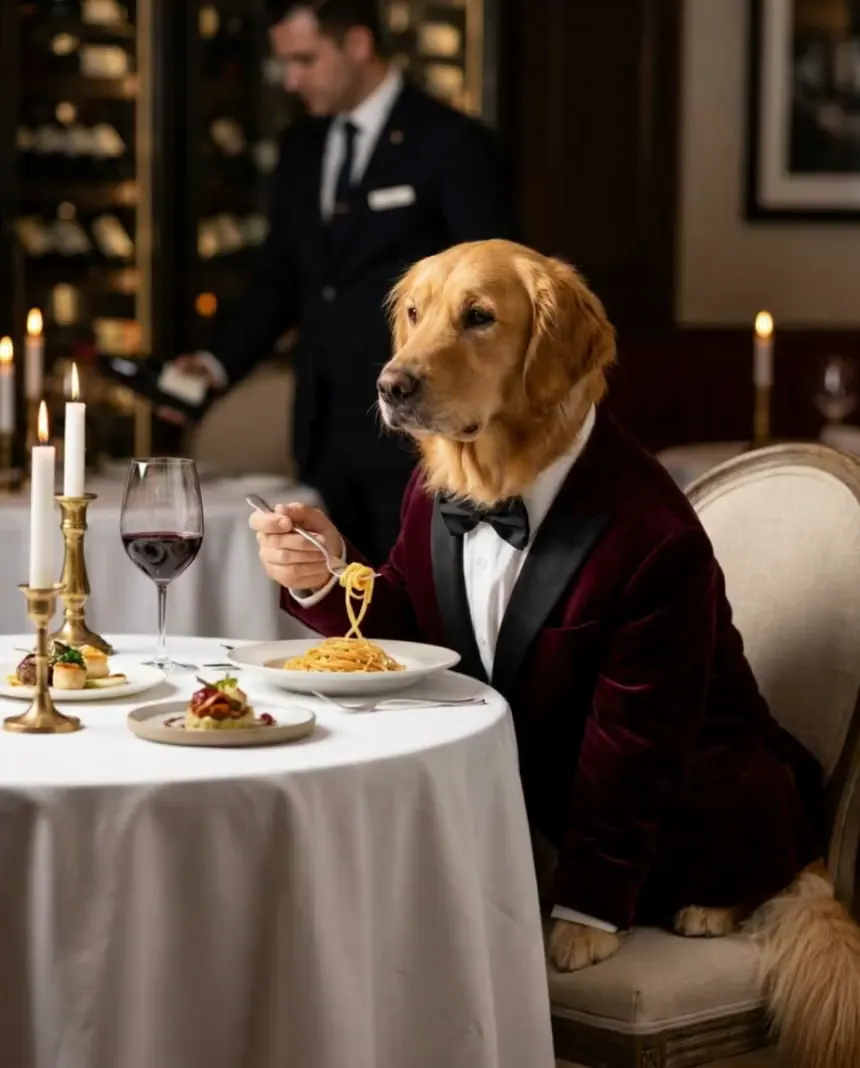
Image to video prompts: direct the motion, not the picture
Lesson 3 of the free course. Your start frame already decides the shot. Here is how to write the motion prompt: one camera move, one action, an end state, and the vocabulary to direct it.
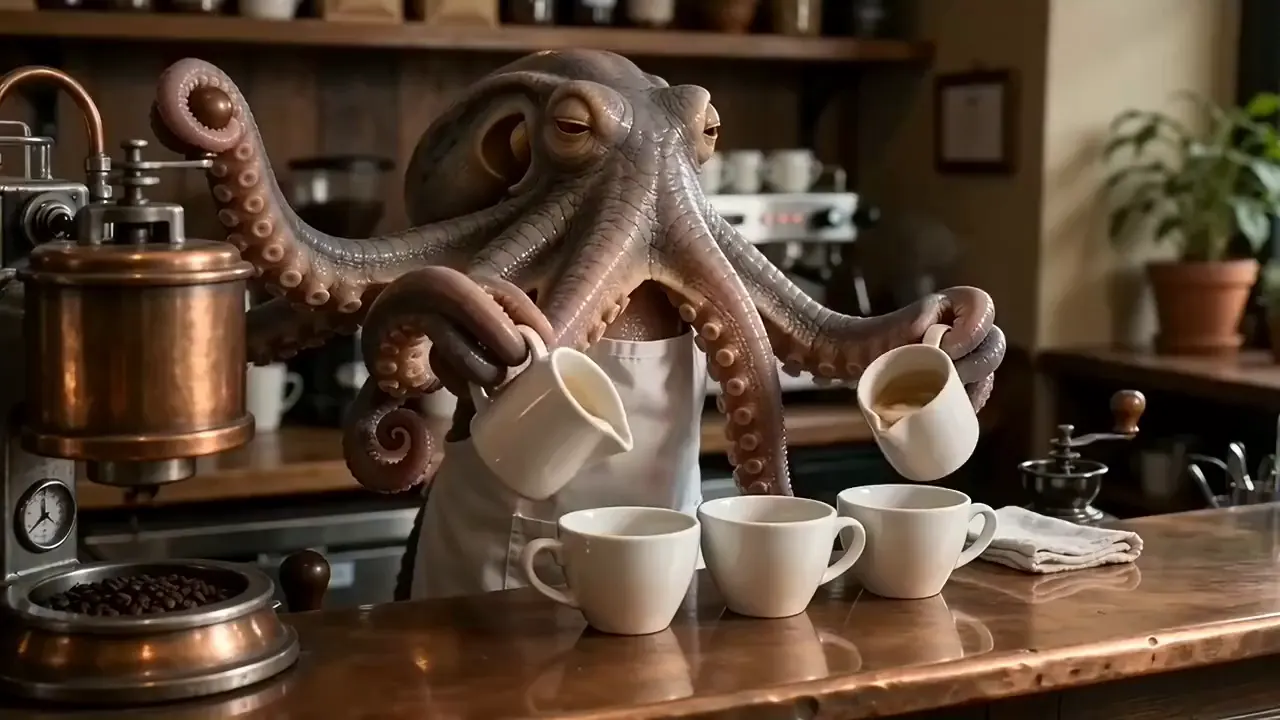
The best AI video generator for filmmaking: choose a model per shot
We gave five video models the same start frame and the same motion prompt, then checked fifteen real clips frame by frame for what each model got right, what it got wrong and what it cost. The answer to "which model is best" turned out to be "for which shot, and at what budget?"
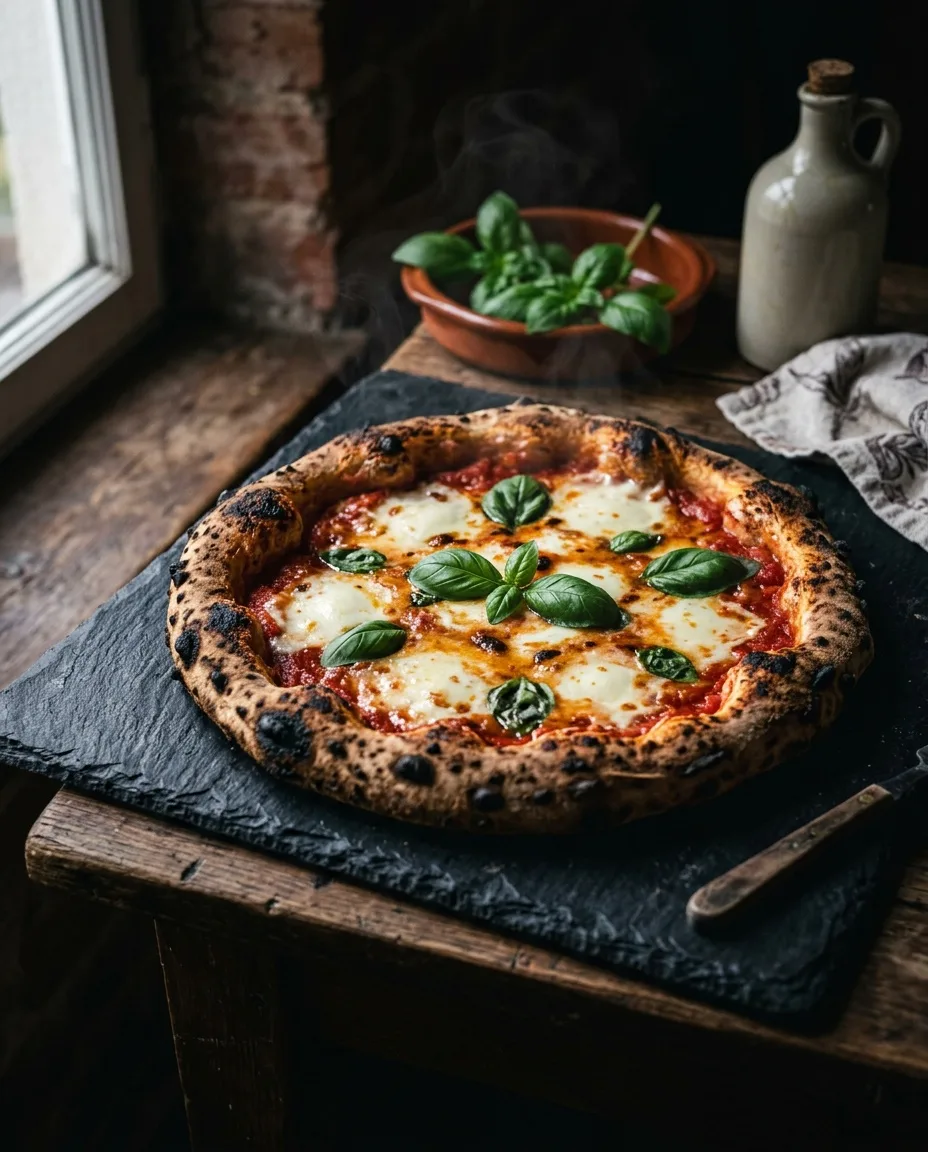
AI food photography: prompts, light and styling that make food look delicious
How to get AI food images with real appetite appeal: the texture and light cues food photographers rely on, which angle suits which dish, motion for social, and where AI belongs (and doesn't) on a menu.
Run these prompts on every model, side by side.
PromptLab puts Flux, Nano Banana, Kling, Veo, Seedance and dozens more in one workspace. See the cost before you click, keep the prompts that win.